I Love Smith AI Video Generator
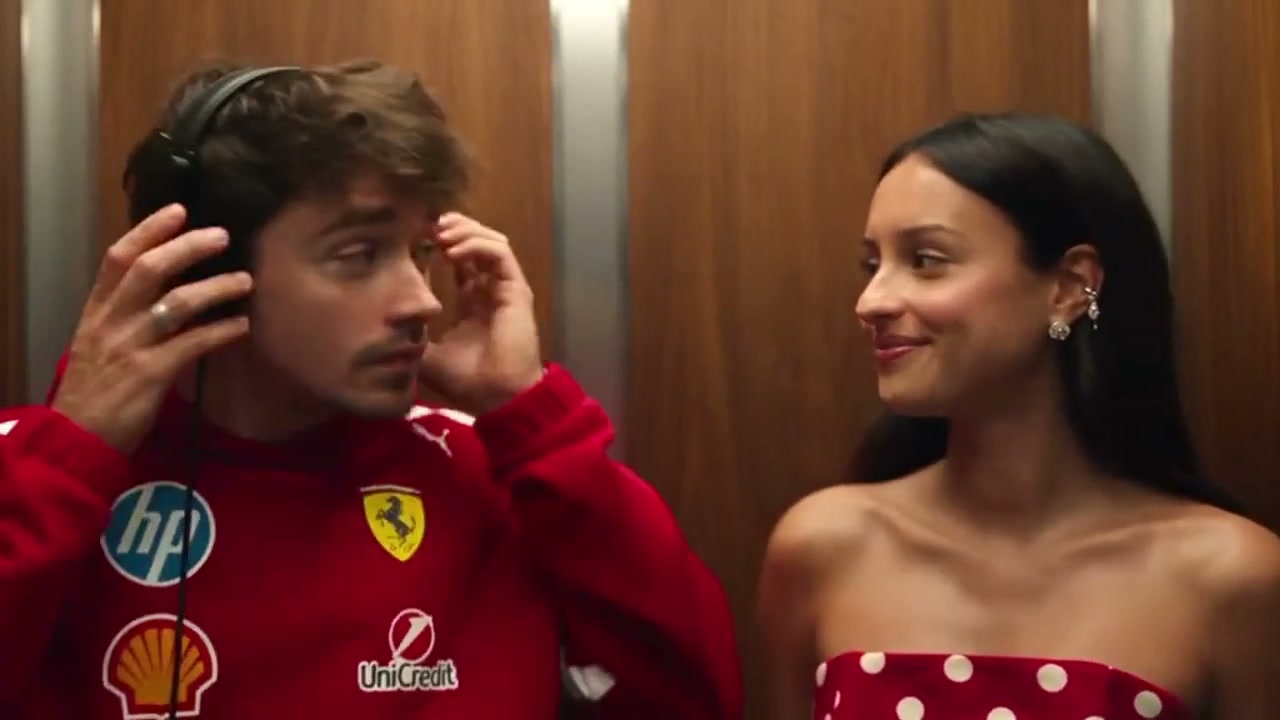
Upload two clear photos and put both of you in the elevator scene: one as the headphones role, one as the person who says the line. The framing and timing follow the source clip.
Sample clips are placeholders made for this demo.
Create your video
1Your two photos
Person with headphones (left)
Person who says the line (right)
Photo 1 is the person on the left in the source clip (headphones). Photo 2 is the person on the right. Use one clear photo per person.
2Length
The catch
Recreating the I Love Smith scene yourself is harder than it looks
You need the other half of the scene
The moment only works with two people in a lift, and one of them has to be in on the joke.
The framing is tighter than it looks
A lift is small, the camera sits close, and both roles have to line up with the original shot.
The timing is the punchline
The look, the pause and the line have to land together. Half a beat off and it stops reading as the scene.
Side by side
Filming it yourself vs. using I Love Smith AI
| Doing it yourself | With I Love Smith AI |
|---|---|
| Find a lift, a friend and a free evening | Two photos are enough |
| Block the shot and match the original framing | The framing comes from the source clip |
| Time the line and hope the lift stays empty | The scene is already cut to 18 seconds |
| Edit and export it yourself | Download a finished 16:9 MP4 |
How it works
How to make an I Love Smith AI video in 3 steps
- 1
Upload two clear photos
One person per photo, facing the camera, in even light. JPG, PNG or WebP up to 10 MB each.
- 2
Confirm it is yours to use
Tick the consent box: the photo is of you, or of an adult who agreed, and not a minor, celebrity or public figure.
- 3
Render and download
The render runs in the background. Download the 16:9 MP4 from My videos and post it to TikTok, Reels or Shorts.
Made with I Love Smith AI
Two photos in, one elevator scene out
No filming, no second actor to book and no lift to borrow. Upload one clear photo per person and the render puts you both in the elevator, with the framing and timing of the source clip.
Finished clip
About the trend
What is I Love Smith?
I Love Smith is the name people gave to the elevator scene from the film (500) Days of Summer: two people in a lift, one wearing headphones, the other recognising the song. You may know it as the I Love The Smiths trend, the I Love Smith trend or simply the elevator scene AI video — they all point to the same short clip.
I Love Smith AI is a fan-made tool built around that scene. Upload one photo of each person and you are both cast in the elevator; the framing and timing stay from the source footage. The result is an I Love Smith video — or an I Love The Smiths video, if that is how you searched for it — cut to 18 seconds in 16:9. It is an AI recreation, not a copy of the film.
If you found us through I Love The Smiths AI, I Love The Smiths video or I Love Smith AI, it is the same project: two photos in, one 18-second MP4 out, rendered in the background.
Read the full I Love Smith trend guideAt a glance
I Love Smith AI specs
- Input
- Two clear photos, one person each, JPG, PNG, WebP up to 10 MB per photo
- Scene
- I Love Smith elevator scene
- Video length
- 18 seconds
- Output
- 16:9 MP4
- Price
- 100 credits per 18-second video; packs from $8.90
- Credits
- Never expire, no subscription
- Render time
- Runs in the background; you can leave the page
- Failed renders
- Credits refunded automatically
Features
Everything you need for the I Love Smith scene
Two photos are enough
You supply both faces; the other role and the lift are already in the source footage.
The scene stays intact
Framing, timing and camera position follow the reference clip instead of being rebuilt from scratch.
16:9 and ready to post
A landscape MP4 that drops into TikTok, Reels or Shorts without another edit.
Renders in the background
Start the render and leave the page. The finished video waits in My videos.
Private by default
Uploads are stored privately, used only for your render and deleted automatically 7 days after upload.
Fair billing
Credits never expire. If a render fails, the credits go straight back to your balance.
Ideas
What people make with it
Send it to the person who quotes the film
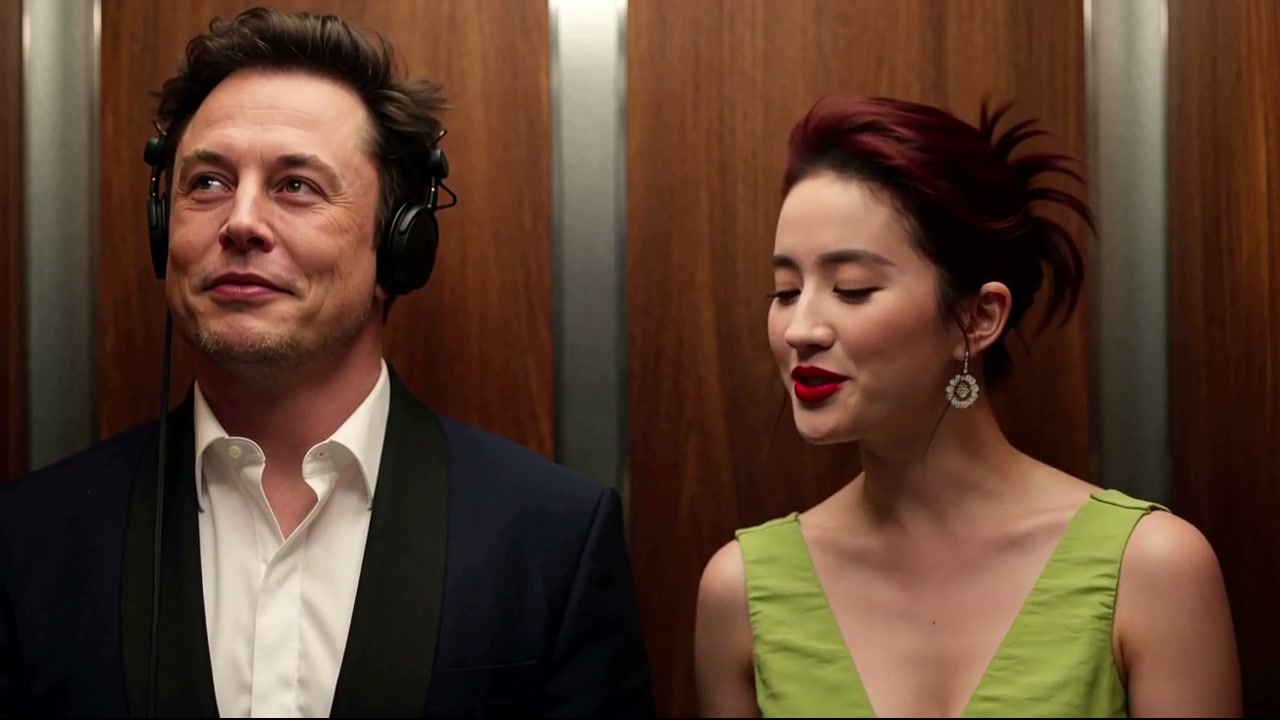
Put both of you in the elevator and send the clip to the friend who always says the line.
Try it with your photos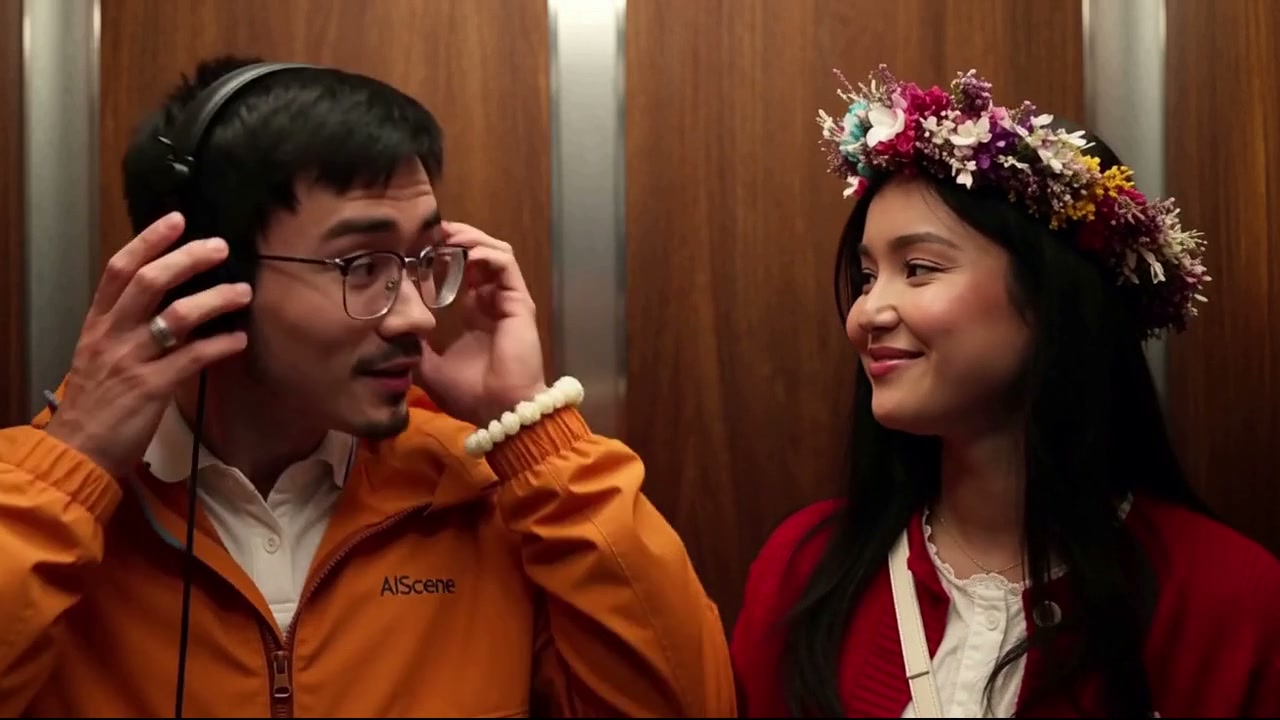
A two-hander from two photos
One photo per person; the scene supplies the lift, the framing and the timing.
Try it with your photosA creator post without a shoot
Ride the trend without a lift, a camera or a second actor.
Try it with your photosPricing
Pay once, per video
100 credits per 18-second video. No subscription, no expiry.
One video
A single 18-second scene
$8.90
100 credits
Makes 1 × 18s video
- Credits never expire
- 100 credits per 18-second video
- 16:9 MP4 download
- Automatic refund on failed renders
Three videos
For trying a few photos
$21.50
300 credits
Makes 3 × 18s videos
- Credits never expire
- 100 credits per 18-second video
- 16:9 MP4 download
- Automatic refund on failed renders
Ten videos
For posting regularly
$53.90
1000 credits
Makes 10 × 18s videos
- Credits never expire
- 100 credits per 18-second video
- 16:9 MP4 download
- Automatic refund on failed renders
Prices in USD. Taxes are calculated at checkout by our payment partner.
Questions, answered
Still unsure? Write to us and a person will reply within one business day.
Contact supportWhat is I Love Smith AI?
I Love Smith AI is a fan-made tool that puts two people into the elevator scene behind the I Love Smith trend. You upload one photo per person, we cast you both in the scene, and the framing and timing stay from the source footage.
Where the I Love Smith scene comes fromWhich photo works best?
One recent, sharp photo per person, facing the camera with even light and head and shoulders in frame. Group shots, sunglasses and heavy filters make the result worse.
Photo tips for a better I Love Smith AI videoHow long does a render take?
It runs in the background, so you do not have to wait on the page. You can close the tab; finished videos appear in My videos.
How do credits work?
100 credits buy one 18-second video. Credits are bought in packs, never expire and are refunded automatically if a render fails.
Can I use someone else’s photo?
Only if they are an adult who has agreed, and never for minors, celebrities or public figures. Content that breaks this rule is removed and the account may be closed.
What happens to my photos and videos?
Your photo is deleted automatically 7 days after upload. The finished video is kept for 30 days after they finish. Deleting your account removes your files right away.
Is this affiliated with the film or the band?
I Love Smith AI is an independent, fan-made project. It is not affiliated with the film, Searchlight Pictures or The Smiths, and the output is an AI recreation rather than a copy of the scene.
Your I Love Smith scene is two photos away
Upload one clear photo per person and put you both in an 18-second, 16:9 clip.
Create my video · $8.90+